Building Creative Consistency: A Practical Look at 1000 Creative Prompts for Designers
Every designer, whether just starting out or with years of experience, eventually faces the same challenge: the blank canvas. Knowing what to design next can sometimes feel harder than the actual designing. Structured prompt resources have become a popular way to bridge this gap, and the 1000 Creative Prompts for Designers pack positions itself as a comprehensive solution. But how does it compare to other methods of staying creatively active? And more importantly, is it the right fit for your workflow and goals?
This article breaks down what this resource offers, how it stacks up against alternative approaches, and what factors matter most when choosing a tool for creative practice. The aim is to help you decide whether a large prompt collection aligns with your needs—or whether another strategy might serve you better.
What 1000 Creative Prompts for Designers Actually Offers
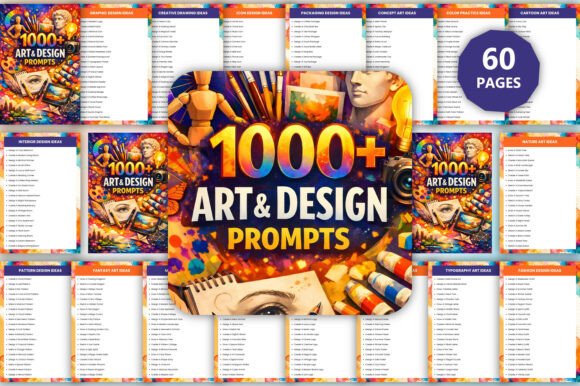
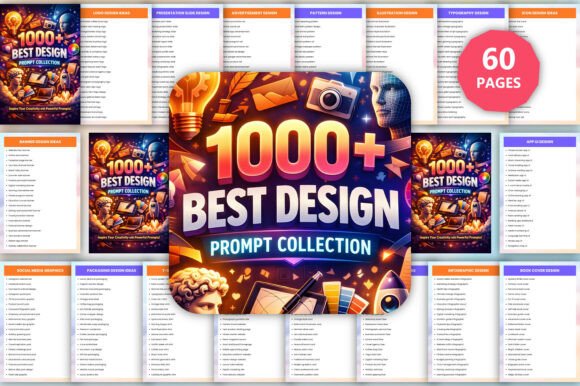
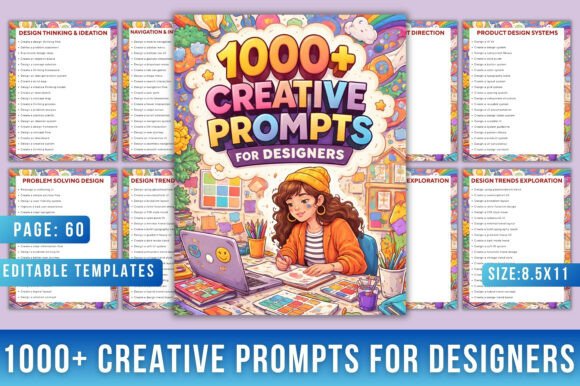
At its core, this resource is a curated collection of one thousand design prompts organized across multiple categories. The premise is straightforward: instead of spending mental energy deciding what to work on, you pick a prompt and begin designing. The categories span branding, typography, UI/UX, social media content, packaging, posters, and what the pack calls experimental or creative thinking prompts.
What distinguishes this pack from a simple list of ideas is its structure. Prompts are grouped into recognizable design disciplines, allowing you to target specific skills. For example, if you want to strengthen your typography and logo work, you can focus on the branding and typography sections. If you are building a portfolio and need case-study-ready projects, the UI/UX app design prompts offer realistic briefs such as dashboard layouts, onboarding flows, or feature-specific screens.
Another notable feature is its availability in an editable Canva format. This lowers the barrier to entry for designers who may not want to search for prompts across multiple websites or books. Everything is in one place, and the editable format means you can track progress, add notes, or customize the prompts to fit your learning path.
How This Compares to Other Creative Practice Approaches
To evaluate whether this prompt pack is right for you, it helps to look at the broader landscape of how designers maintain practice and build skills. There is no single "best" method, and each approach has tradeoffs.
Daily design challenges (like 30-day or 100-day projects). These are often free, community-driven, and highly focused on a single theme—such as an icon-a-day or a poster-a-day. They provide external accountability and a built-in community for feedback. However, they usually last a limited time and may not cover multiple design areas. The 1000 Creative Prompts for Designers offers breadth over depth: you are not locked into one theme, and you can switch categories as your interests or needs change. The tradeoff is that you must create your own accountability and rhythm, since the pack does not include daily reminders or a community component.
Online courses and tutorials. Structured courses teach specific skills with guided instruction, examples, and often project files. They are excellent for learning new software or techniques. But they typically end after a few weeks, and the number of practice projects is limited. A prompt pack like this one fills the gap after a course ends: you know the tools and principles, but you need raw material to apply them independently. It works well as a companion to structured learning, not a replacement.
Random inspiration from social media or design galleries. Many designers rely on Dribbble, Behance, or Pinterest for ideas. This approach is free and exposes you to current trends. The downside is that it can lead to passive scrolling rather than active practice, and the ideas are often fully formed designs rather than open-ended prompts. The 1000 Creative Prompts for Designers shifts you from consumption to production: you read a brief and create something from scratch, which is a more deliberate form of practice.
Prompt generators or randomizers. There are free online tools that generate random design briefs. These can be useful, but the quality and relevance vary widely. Some are too vague to be actionable, while others lack practical constraints like industry, audience, or format. The curated nature of this pack means each prompt has been written to be realistic and specific. For example, a prompt might ask you to design a mobile banking app for freelancers, or to create a logo for an eco-friendly café. These are grounded in real-world scenarios, which helps when you want to build portfolio pieces that feel credible to clients or employers.
Strengths and Best-Fit Situations
The 1000 Creative Prompts for Designers is particularly well-suited for a few specific use cases.
Building a portfolio from scratch or refreshing an outdated one. If you are a junior designer looking for work, or an experienced designer pivoting into a new specialty—say, moving from print to UI/UX—you need projects that demonstrate relevant skills. This pack gives you a wide variety of briefs to choose from, and you can select those that align with the roles you are targeting. The ability to work through multiple prompts in the same category allows you to show depth in a specific area.
Developing a consistent practice habit. Consistency is one of the hardest things for designers to maintain, especially when working full-time or juggling multiple responsibilities. Having a large pool of prompts removes the friction of deciding what to do. You can set a simple goal, such as "one prompt per day" or "five prompts per week," without needing to find new inspiration each time. The variety also reduces the boredom that can set in with repetitive themed challenges.
Exploring unfamiliar design categories. If you have always worked in branding but want to explore UI/UX or social media design, this pack provides a low-risk way to experiment. You can try a few prompts in a different category without committing to a full course or long-term project. This is useful for designers who are considering a specialization change or who want to offer broader services to clients.
Teaching or mentoring. Design educators, workshop facilitators, and mentors can use the prompts as assignments or warm-up exercises. The editable Canva format makes it easy to assign specific prompts and track progress. Because the prompts are grouped by category, you can align them with your curriculum or coaching focus.
Limitations and When Another Option May Be Better
No single resource works for everyone. There are situations where the 1000 Creative Prompts for Designers may not be the ideal choice, and understanding these tradeoffs is important for making an informed decision.
If you need structured feedback or community. This pack is a solo resource. There are no peer reviews, instructor critiques, or discussion forums built in. If you learn best through feedback and interaction, you may want to combine the prompts with a design community, a mentor, or a critique group. Alternatively, a live workshop or a cohort-based course might give you the structure you need.
If you prefer guided learning over self-directed practice. Prompts give you a starting point, but they do not teach you how to execute. If you are still learning the fundamentals of design software or core principles like typography, color theory, or layout, a tutorial-based course or a textbook might be more useful as a foundation. The prompts work best when you already have basic skills and want to apply them independently.
If you are looking for a quick one-off inspiration. One thousand prompts is a lot of material. For someone who just needs a single idea for a specific client or project, skimming through a large collection may feel overwhelming. In that case, a smaller, curated list or a generator that returns one random prompt might be more efficient.
If you work best with constraints that are tighter or more open-ended. The prompts in this pack have a moderate level of specificity—they describe a project type, a theme, and sometimes a target audience. Some designers prefer extremely tight constraints (specific color palette, grid, and content) while others prefer total freedom (just a one-word concept). If your style leans to either extreme, you may find some prompts too prescriptive or not prescriptive enough. That said, the volume means you can be selective and only use the prompts that match your preferred level of constraint.
Practical Decision Factors
When deciding whether the 1000 Creative Prompts for Designers is right for you, consider the following questions.
- What is your primary goal? If you want to build portfolio pieces across multiple categories, the breadth of this pack is a strength. If you want to deeply specialize in one area, a focused challenge or specialization-specific resource may serve you better.
- How do you stay motivated? If you are self-motivated and comfortable setting your own schedule, this pack gives you flexibility. If you need external deadlines or peer accountability, look for a community-driven challenge or pair this resource with a design accountability group.
- What is your current skill level? The prompts assume you can execute design work independently. Beginners may benefit from first completing a structured course, then using the prompts for practice afterward.
- Do you value customizability? The editable Canva format is a plus if you like to adapt prompts, add your own notes, or reorganize them. If you prefer a simple static list or a printed book, the format may not matter as much.
- How much time do you have? With one thousand prompts, even if you complete one per day, it will take over three years to finish all of them. That is a long-term resource, not a quick fix. If you want immediate results for a specific project, a smaller, more targeted resource may be more practical.
How to Get the Most Out of a Large Prompt Collection
If you decide that this resource aligns with your needs, a few strategies can help you use it effectively without feeling overwhelmed.
Start by selecting one or two categories that matter most to your current goals. If you are working on your UI/UX portfolio, focus on that section first. Revisit other categories later as you expand your skills or change focus. Set a realistic cadence—perhaps three prompts per week rather than one per day—to maintain consistency without burnout. Keep a log of your work, either in the Canva document or in a separate portfolio, so you can track your progress and see how your skills develop over time.
Consider using the prompts for warm-ups before starting client work, or as "break projects" when you want to work on something without pressure. Because the prompts are not tied to deadlines or external expectations, they offer a low-stakes environment for experimentation. You can take risks, try styles you normally avoid, or spend extra time on details you want to practice.
Final Considerations
The 1000 Creative Prompts for Designers is a practical tool for anyone who values consistent, self-directed practice across multiple design disciplines. Its main strengths are its breadth, its realistic briefs, and its organization by skill area. It compares favorably to random online inspiration, limited-time challenges, and unstructured practice—but it does not replace structured learning, feedback, or community support.
For designers who already have a foundation in design principles and software, and who want a reliable source of projects to build their portfolio, explore new areas, or simply stay in the habit of designing regularly, this pack offers a solid return on investment. For beginners or those who need guided instruction and feedback, it works best as a supplement to courses or mentorship.
As with any creative resource, the value lies not in the prompts themselves, but in what you do with them. Consistency, curiosity, and a willingness to experiment matter more than the number of ideas you have access to. A large prompt collection removes one barrier—the question of "what should I design?"—but the rest is up to you.